Desktop tool (Tauri + React) for exploring DynamoDB single-table designs. You model a table once (its entities, key patterns and indexes) and from then on query it by filling in pattern variables instead of hand-writing key conditions.
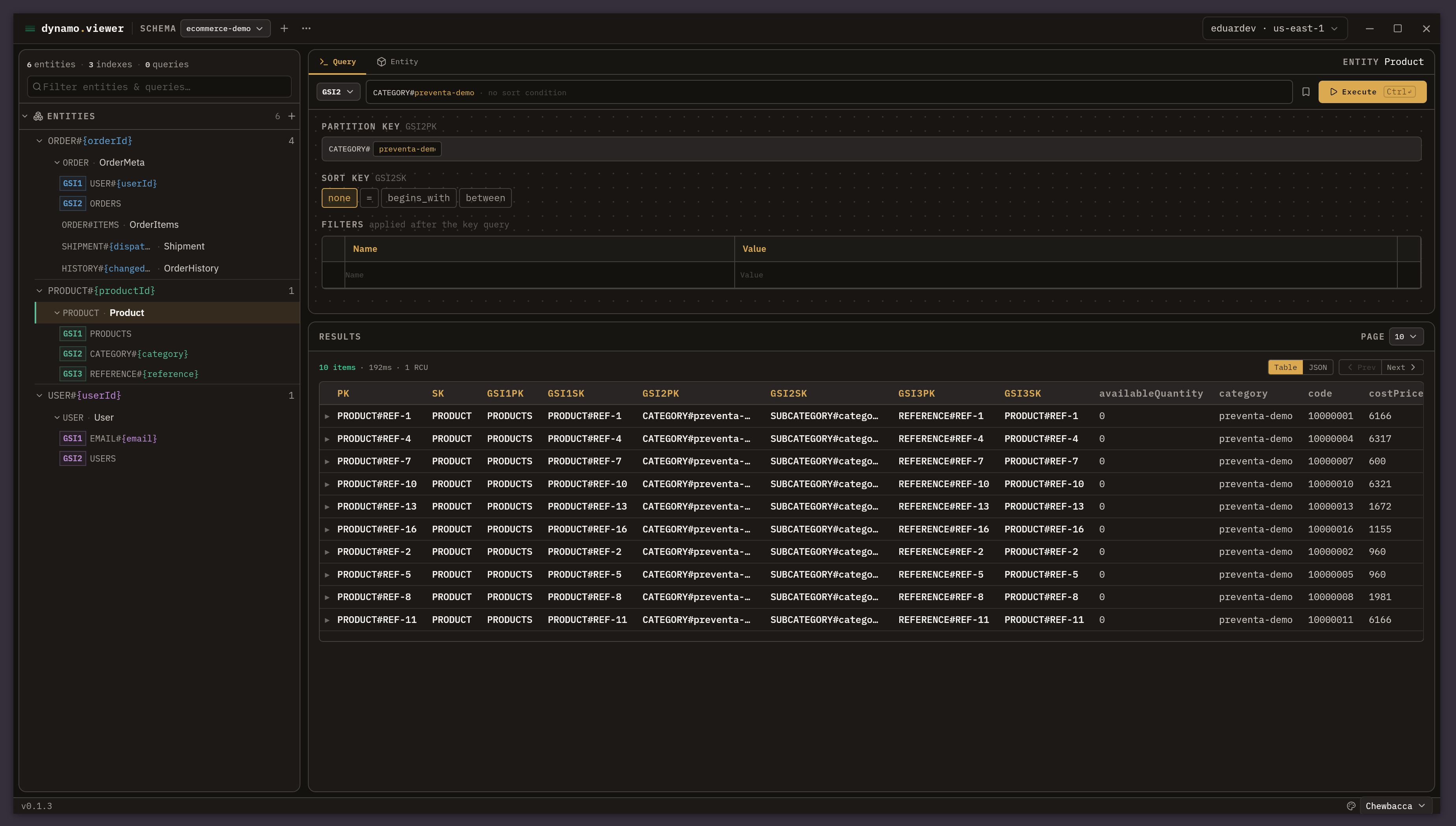
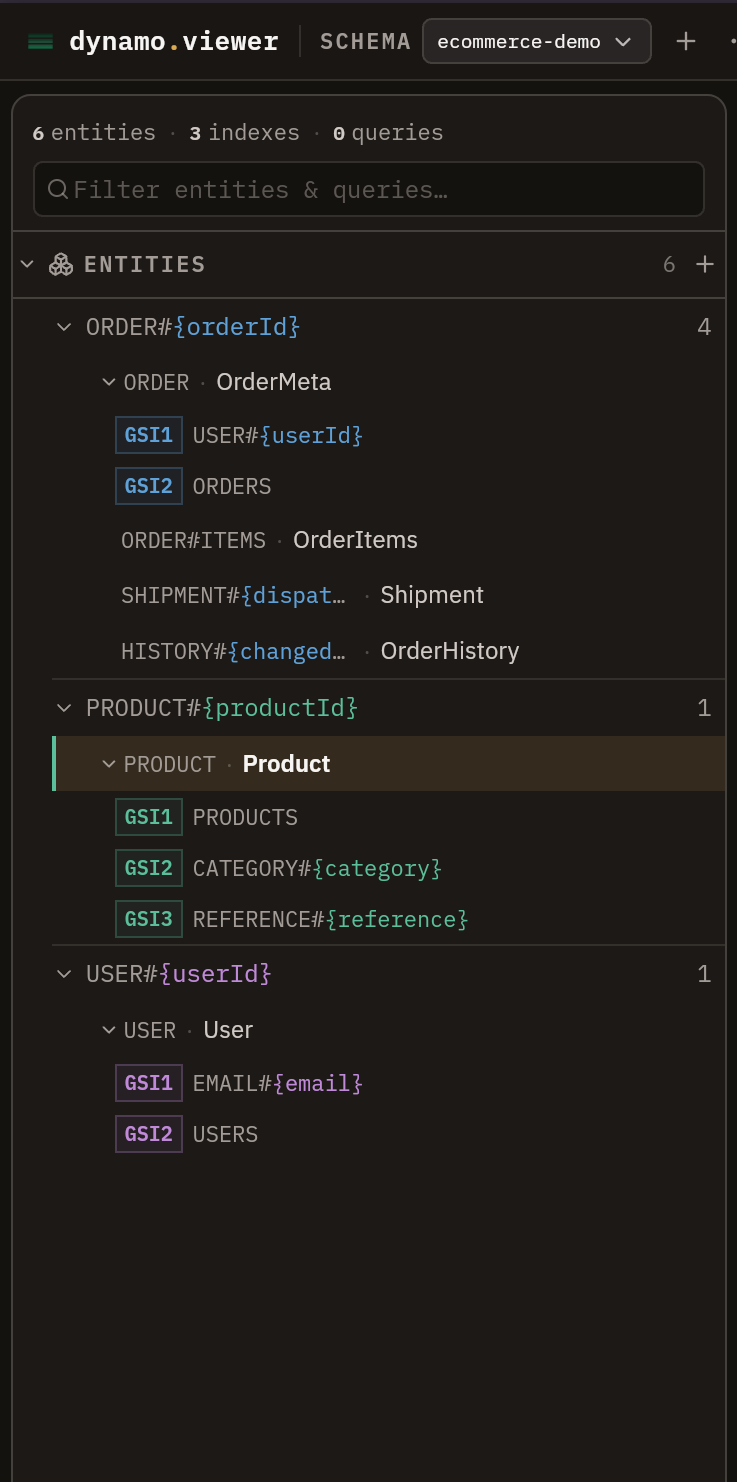
Entities & key patterns |
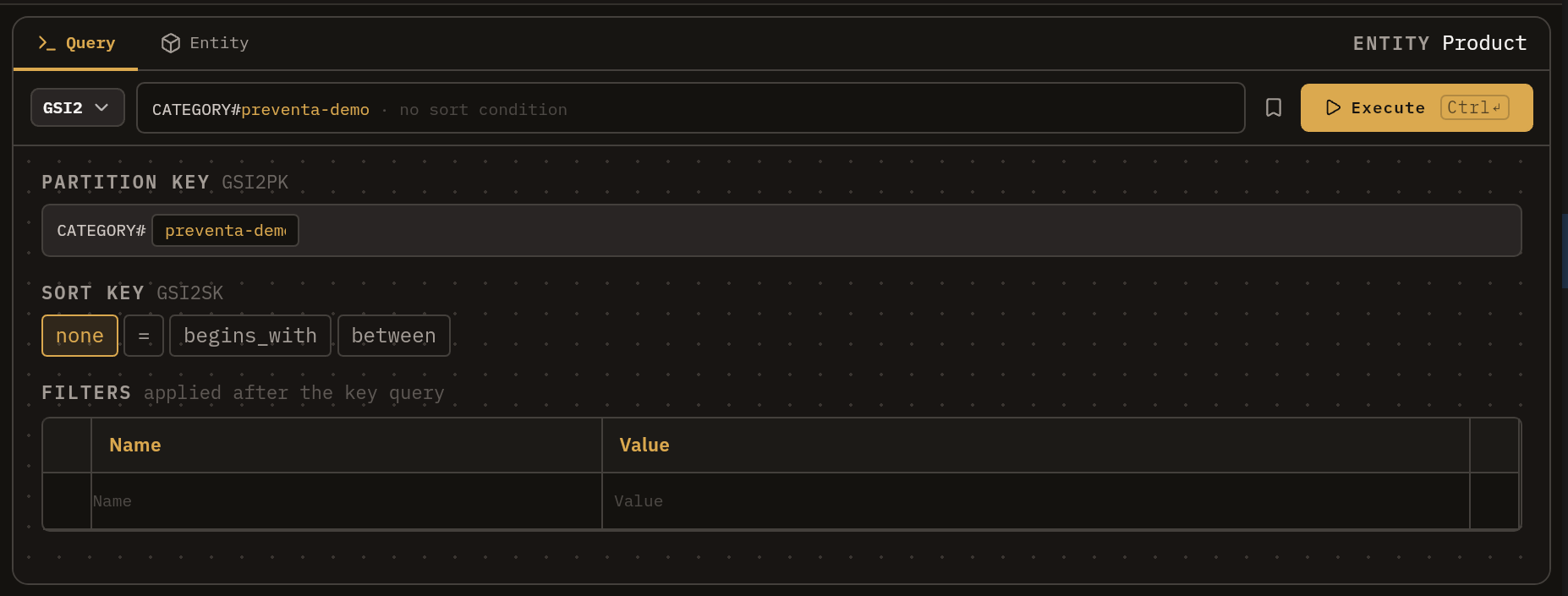
Query builder 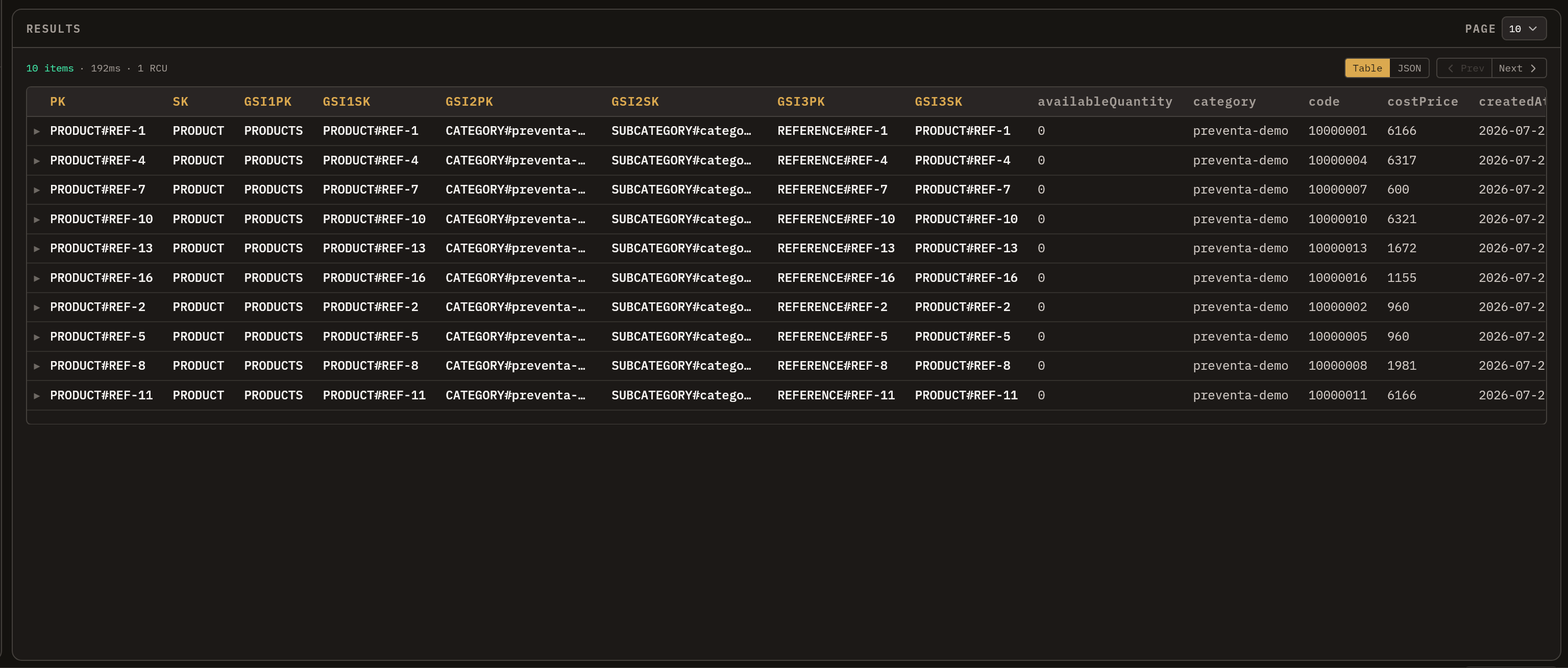
Results |
Features
- Model once, query many: describe entities, key patterns (
ORDER#<orderId>) and GSIs, then query by filling variables. - Saved queries: bookmark builder state (index, variable values, SK condition, filters).
- Postman-style filters: conditions on non-key attributes, rows toggleable without deleting.
- AWS profiles & SSO: pick a profile and sign in from the top bar.
- Import/export schemas: one schema per JSON file, deeply validated.
- Auto-updates: the app checks GitHub Releases and can update itself.
Install
Download the installer for your platform from the
latest release:
.deb / .rpm / .AppImage for Linux, .dmg for macOS and .msi / .exe for Windows.
The app updates itself from GitHub Releases.
The app is not signed with an Apple or Microsoft certificate (~99 USD/year; standard for open source software), so macOS and Windows will complain the first time you open it:
macOS
Gatekeeper blocks the app as coming from an "unidentified developer". Remove the quarantine flag macOS adds to downloaded apps:
xattr -cr /Applications/beautiful-dynamo-viewer.appWindows
If SmartScreen shows "Windows protected your PC", click More info and then Run anyway.
Linux
No extra steps: install the .deb / .rpm, or make the .AppImage executable
(chmod +x beautiful-dynamo-viewer_*.AppImage).
Quick start
pnpm install
pnpm tauri dev    # desktop app (needs Rust toolchain + AWS CLI for profiles)
Other commands:
pnpm dev          # browser-only UI dev (no query execution)
pnpm test         # domain tests (vitest)
pnpm test:rust    # backend tests (cargo test in src-tauri)
pnpm build        # typecheck + bundle
Querying real tables requires the AWS CLI configured with profiles; SSO login is triggered from the top bar.
Concepts
Schema                ← one DynamoDB table, modeled
├── keys              ← physical key attributes (e.g. PK / SK)
├── indexes           ← table-level GSI definitions
├── entities          ← record types, with key patterns and index patterns
└── queries           ← saved queries, each referencing an entity
- Schema: a model of one table.
tableNameis the real table queries run against (overridable in the top bar to point at another stage). - Entity: a record type; its
pk/skare patterns with<variables>. - Saved query: a bookmarked builder state.
- Filter: a condition on a non-key attribute, applied as a DynamoDB
FilterExpression.
Everything is stored in workspace.json in the app-data directory, written atomically on every
change. In browser dev mode it falls back to localStorage and query execution is disabled.
Project layout
src/
├── domain/schema/   pure logic: types, operations, grouping, pattern parser (+ tests)
├── services/        Tauri bridges: dynamo, aws, storage, dialogs, updater
├── hooks/           useSchemaStore, useWorkspace, useAwsConnection, useQueryExecutor
├── components/      UI (components/ui/ primitives, components/querybuilder/ filter table)
└── data/seed.ts     example schemas
src-tauri/           Rust backend: DynamoDB queries, AWS profiles, workspace persistence
.github/workflows/   test (CI) and release (build + publish) pipelines