[guide] deploy lambda with typescript and sam
Initializing the project
We start with the basic structure of a Node.js project:
npm init -yInstalling dependencies
Development:
npm install -D @types/aws-lambda @types/node typescriptFolder structure
We create a simple and organized structure:
.
├── src/
│   ├── functions/
│   │   └── reservations.ts
│   └── utils/
│       └── response.ts
├── dist/          # TypeScript output
├── events/        # For local testing
├── template.yaml  # CloudFormation template
├── samconfig.toml # SAM configuration
├── tsconfig.json
└── package.json
TypeScript configuration
We create tsconfig.json with Lambda-friendly settings:
{
  "compilerOptions": {
    "target": "ES2022",
    "module": "commonjs",
    "lib": ["ES2022"],
    "outDir": "./dist",
    "rootDir": "./src",
    "strict": true,
    "esModuleInterop": true,
    "skipLibCheck": true,
    "moduleResolution": "node",
    "resolveJsonModule": true
  },
  "include": ["src/**/*"],
  "exclude": ["node_modules", "dist"]
}
And add the build script to package.json:
{
  "scripts": {
    "build": "tsc"
  }
}
CloudFormation template with SAM
We create a simple template.yaml with an HTTP API Gateway and a Lambda:
AWSTemplateFormatVersion: '2010-09-09'
Transform: AWS::Serverless-2016-10-31
Description: Reservation System API - Serverless Backend

Globals:
  Function:
    Runtime: nodejs22.x
    Timeout: 30
    MemorySize: 512

Parameters:
  Environment:
    Type: String
    Default: dev
    AllowedValues:
      - dev
      - staging
      - prod

Resources:
  # API Gateway HTTP
  Api:
    Type: AWS::Serverless::HttpApi
    Properties:
      StageName: !Ref Environment
      CorsConfiguration:
        AllowOrigins:
          - "*"
        AllowMethods:
          - GET
          - POST
          - PUT
          - DELETE

  # Lambda Function
  ReservationsFunction:
    Type: AWS::Serverless::Function
    Properties:
      FunctionName: !Sub reservation-system-${Environment}
      CodeUri: dist/
      Handler: functions/reservations.handler
      Events:
        GetReservations:
          Type: HttpApi
          Properties:
            ApiId: !Ref Api
            Path: /reservations
            Method: GET

Outputs:
  ApiUrl:
    Description: The URL of the API Gateway
    Value: !Sub https://${Api}.execute-api.${AWS::Region}.amazonaws.com/${Environment}
Key points of the template:
Transform: AWS::Serverless-2016-10-31enables SAM syntaxCodeUri: dist/points to the compiled TypeScript outputHandler: functions/reservations.handlerfollows thefile.functionformatEventsautomatically connects API Gateway with Lambda
Response utility
First we create a helper function in src/utils/response.ts to standardize responses:
export const response = (statusCode: number, body: any) => {
  return {
    statusCode,
    headers: {
      'Content-Type': 'application/json',
      'Access-Control-Allow-Origin': '*',
    },
    body: statusCode === 204 ? '' : JSON.stringify(body),
  };
}
This function saves us from repeating code and ensures all responses have:
- CORS headers configured
- JSON Content-Type
- Serialized body (except for 204 No Content)
Lambda handler
We create a simple handler in src/functions/reservations.ts:
import { APIGatewayProxyEventV2, APIGatewayProxyResultV2 } from 'aws-lambda';
import { response } from "../utils/response"

export const handler = async (
  event: APIGatewayProxyEventV2
): Promise<APIGatewayProxyResultV2> => {
  console.log('Reservation handler event', JSON.stringify(event, null, 2))

  try {
    const method = event.requestContext.http.method;

    if (method === 'GET') {
      return response(200, {
        message: 'reservations is running'
      })
    }

    return response(405, {
      message: 'Method Not Allowed'
    })
  } catch (error) {
    console.error('Error:', error);
    return response(500, {
      error: 'Internal server error',
      message: error instanceof Error ? error.message : 'Unknown error',
    });
  }
}
Build and validation
Compile TypeScript to JavaScript:
npm run buildThis generates the code in dist/ that Lambda will execute.
Validate the CloudFormation template:
sam validateBuild the project with SAM:
sam buildSAM packages the dependencies and prepares everything for deployment.
Configuration with samconfig.toml
Before deploying, we create an S3 bucket to store the artifacts:
aws s3 mb s3://stack-reservation-system-dev --region us-east-1The samconfig.toml file centralizes deploy configuration per environment:
version = 0.1

[default.global.parameters]
capabilities = "CAPABILITY_IAM"

[dev]
[dev.deploy]
[dev.deploy.parameters]
stack_name = "reservation-system-api-dev"
s3_bucket = "stack-reservation-system-dev"
s3_prefix = "reservation-system"
region = "us-east-1"
parameter_overrides = [
    "Environment=dev"
]

[prod]
[prod.deploy]
[prod.deploy.parameters]
stack_name = "reservation-system-api-prod"
s3_bucket = "stack-reservation-system-prod"
s3_prefix = "reservation-system"
region = "us-east-2"
confirm_changeset = true
parameter_overrides = [
    "Environment=prod"
]
How it works:
[dev]and[prod]are configuration profiles- Each profile has its own stack, bucket, and region
parameter_overridespasses values to the templateParametersconfirm_changeset = truein prod requires manual approval
Local testing
We create a test event file in events/reservations-event.json:
{
  "requestContext": {
    "http": {
      "method": "GET"
    }
  }
}
We test the Lambda locally with this event:
sam local invoke ReservationsFunction -e events/reservations-event.jsonStart API Gateway locally:
sam local start-apiNow we can make requests to http://localhost:3000/reservations
Deploy to AWS
Deploy using the dev profile:
sam deploy --config-env devSAM:
- Uploads the code to the S3 bucket
- Creates/updates the CloudFormation stack
- Deploys API Gateway and Lambda
- Shows the API URL in the Outputs
For production:
sam deploy --config-env prodThis will use the prod configuration with manual changeset confirmation.
Next steps
The natural next step is connecting Lambda to DynamoDB to persist data. This involves:
- Adding the DynamoDB table to
template.yaml - Installing
@aws-sdk/client-dynamodband@aws-sdk/lib-dynamodb - Granting IAM permissions to Lambda via
Policiesin SAM - Implementing CRUD operations in the handler
We’ll cover that in the next post.
TL;DR
# Setup
npm init -y
npm install -D @types/aws-lambda @types/node typescript

# Create src/functions/ and src/utils/ structure
# Configure tsconfig.json and template.yaml

# Build and deploy
npm run build
sam validate
sam build

# Local testing
sam local invoke ReservationsFunction -e events/reservations-event.json
sam local start-api

# Bucket to store stack
aws s3 mb s3://stack-reservation-system-dev --region us-east-1
# Deploy
sam deploy --config-env dev
Full stack: TypeScript → Lambda → API Gateway, configured with SAM templates and samconfig.toml for multiple environments.
related
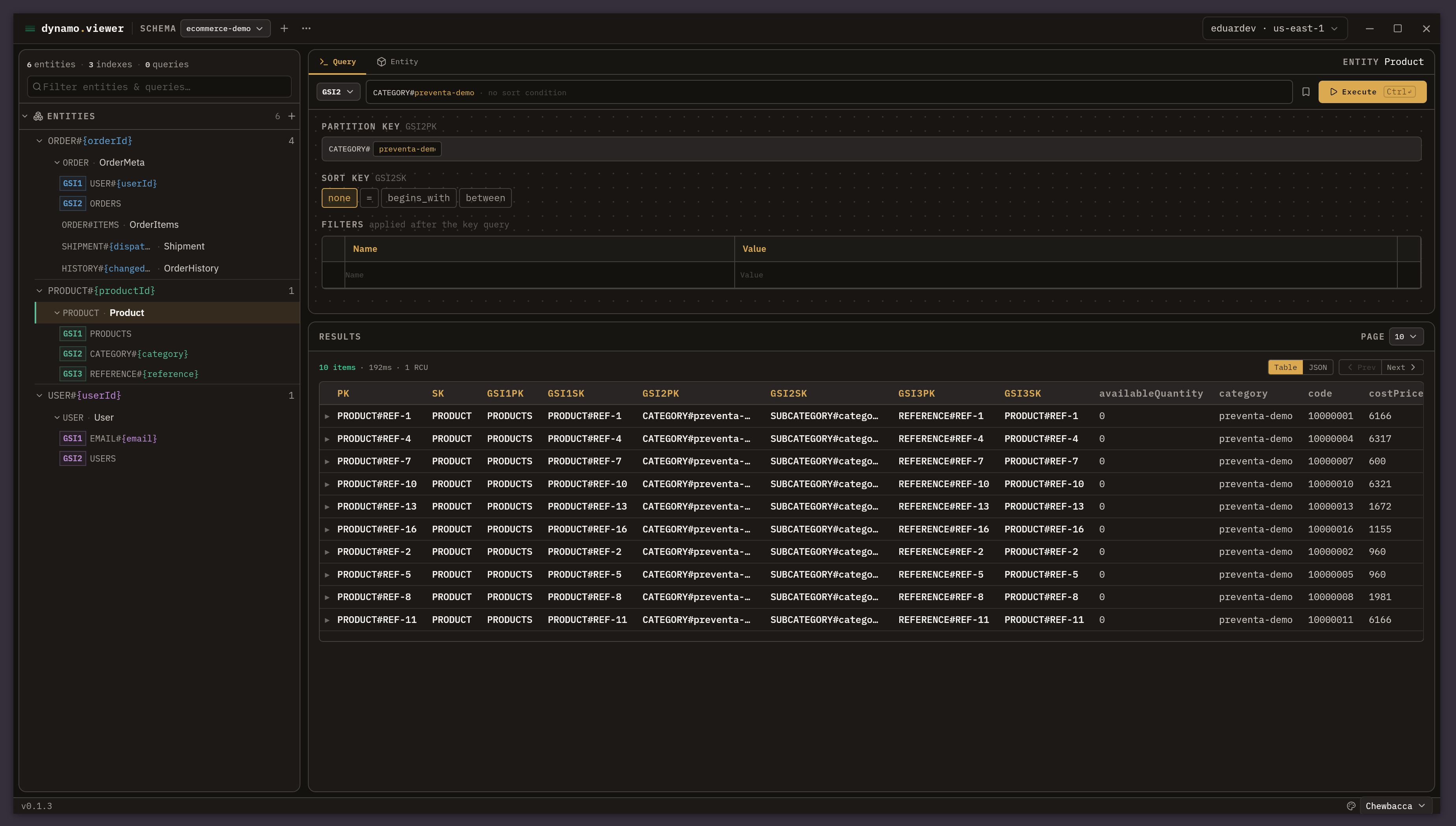
beautiful-dynamo-viewer: an explorer for single-table design in dynamodb
Why I built a desktop app to model and query DynamoDB tables with single-table design, without writing key conditions by hand.

serverless image pipeline with aws lambda+node+wasm: from 11.5mb to 91.2kb
How to build a 100% serverless image optimization pipeline on AWS with beautiful-image and zero native dependencies

[guide] aws authentication: iam identity center (sso) - the right way in 2026
Complete guide to authenticating in AWS using IAM Identity Center (SSO) and why you should stop using access keys